 Claude · GPT-6 Astra · Blender
Video · Camera Angle
Claude & GPT-6 Astra — custom camera angles from Blender
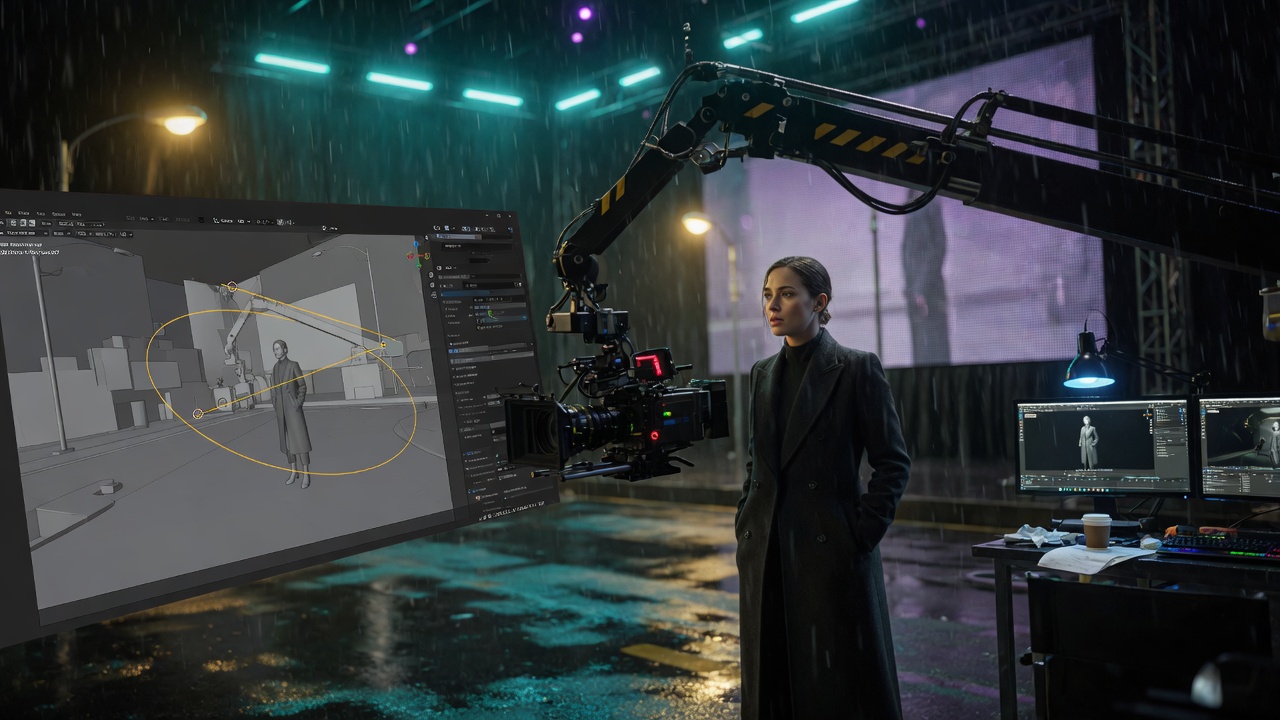
Render your scene in Blender (or send the viewport with the Caldwell SI Blender plugin). On Create → Video, drop that file in the video references section — same slot as other videos, via Upload Blender render. Then use the Camera Angle box below the prompt: pick Claude or GPT-6 Astra, add optional picture and video references for the camera prompt, and write the move you want.
- Blender render lives with video references — not on the Camera Angle box
- Camera Angle stills & clips — extra pictures and videos so Claude or GPT-6 Astra can see the look
- Up to 30 seconds — Claude and GPT-6 Astra clips have their own library on the Camera Angle box, and also go to the main Library
- Caldwell SI Blender plugin — sign in, pick the engine, apply a camera from your prompt, and send the viewport